

People who want habit tracking without guilt mechanics
If streaks motivate you for a week and then make you avoid the app after one bad run, PixelDiary offers a calmer way to keep the record going.
Track routines with perspective
Some habit apps are built to make you feel accountable every day. PixelDiary is built to help you understand the shape of a routine over time. That difference matters if you want a record that stays honest after imperfect weeks.
The app still supports fast daily entries and reminders, but the point is to review consistency, drift, recovery, and seasonality rather than guard a single streak number. Because the setup is customizable, you can track classic habits like exercise or hydration, but also routines unique to your own life or hobby.


Routine review
Habit tracking gets more humane when the system can absorb travel, bad weeks, and changing priorities without turning every miss into failure.
Who it's for
If streaks motivate you for a week and then make you avoid the app after one bad run, PixelDiary offers a calmer way to keep the record going.
Some habits are binary, some need scales, and some make sense only with notes. PixelDiary works better when one checkbox is not enough for everything you care about.
The product is strongest when you want to see consistency, recovery, weekends, seasons, or life changes rather than chase perfect completion.
How it works in practice
Step 1
Reminders and a quick entry flow matter because even the best review surface is useless if you stop logging after the novelty phase.
Step 2
Hydration, bedtime, reading, movement, and study do not need the same data shape. Flexible categories keep the tracker closer to real life.
Step 3
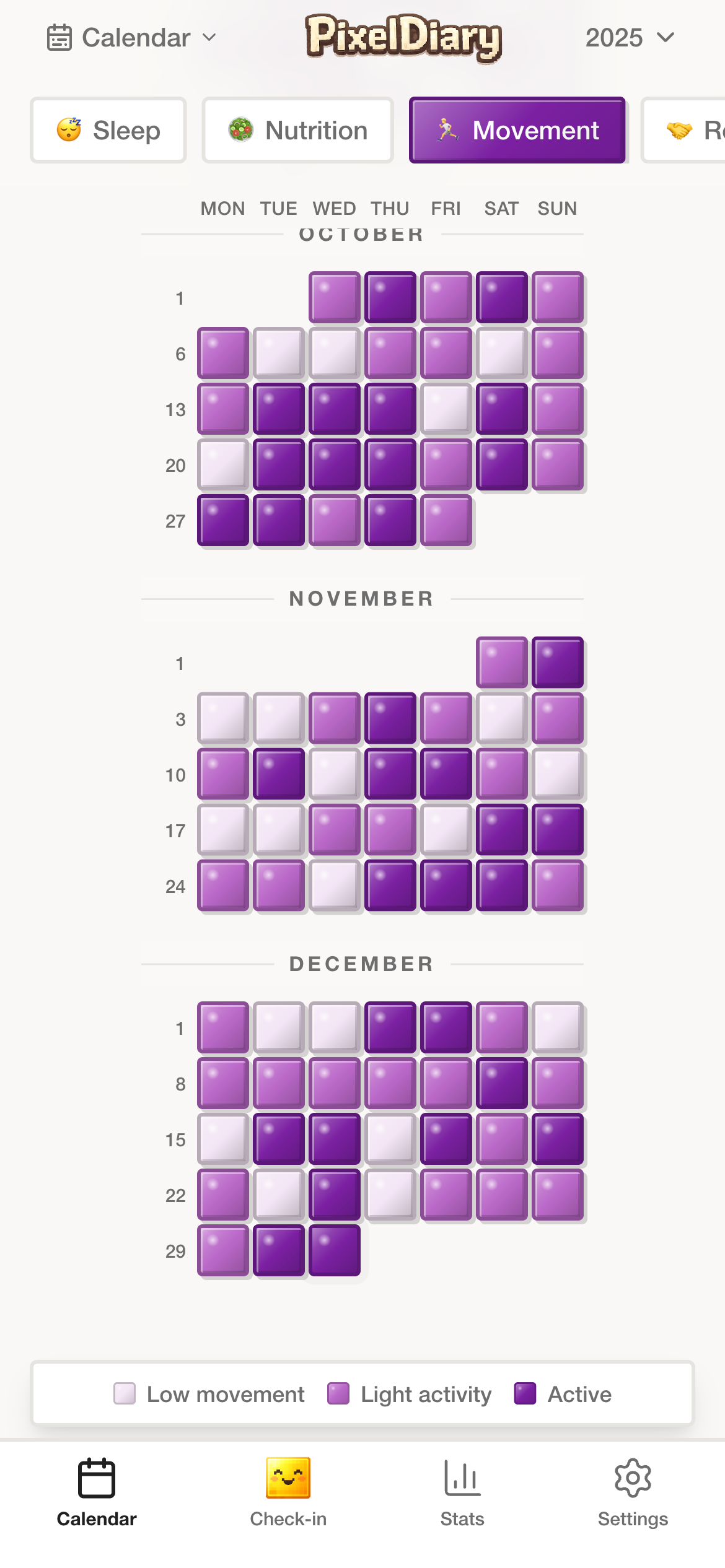
A visual history makes it easier to notice what changed, when the habit softened, and what recovery looked like after disruption.
Example setup ideas
Use a simple completion scale or intensity scale and review the pattern across weekdays and travel-heavy periods.
This setup surfaces rhythm and drop-off points better than a single streak score ever can.
Track whether the routine happened, add a quick note for late nights or disruptions, and review how the pattern shifts over the month.
You get a truer picture of consistency than a pass-fail chain that ignores context.
Use a category for whether the session happened and an optional modifier for focus, length, or how the session felt.
This makes habit review useful for routines that are partly behavioral and partly reflective.
In the app
These captures are here to support the promise on the page. Each one is tied to a specific claim about how the workflow actually works inside PixelDiary.
In the app
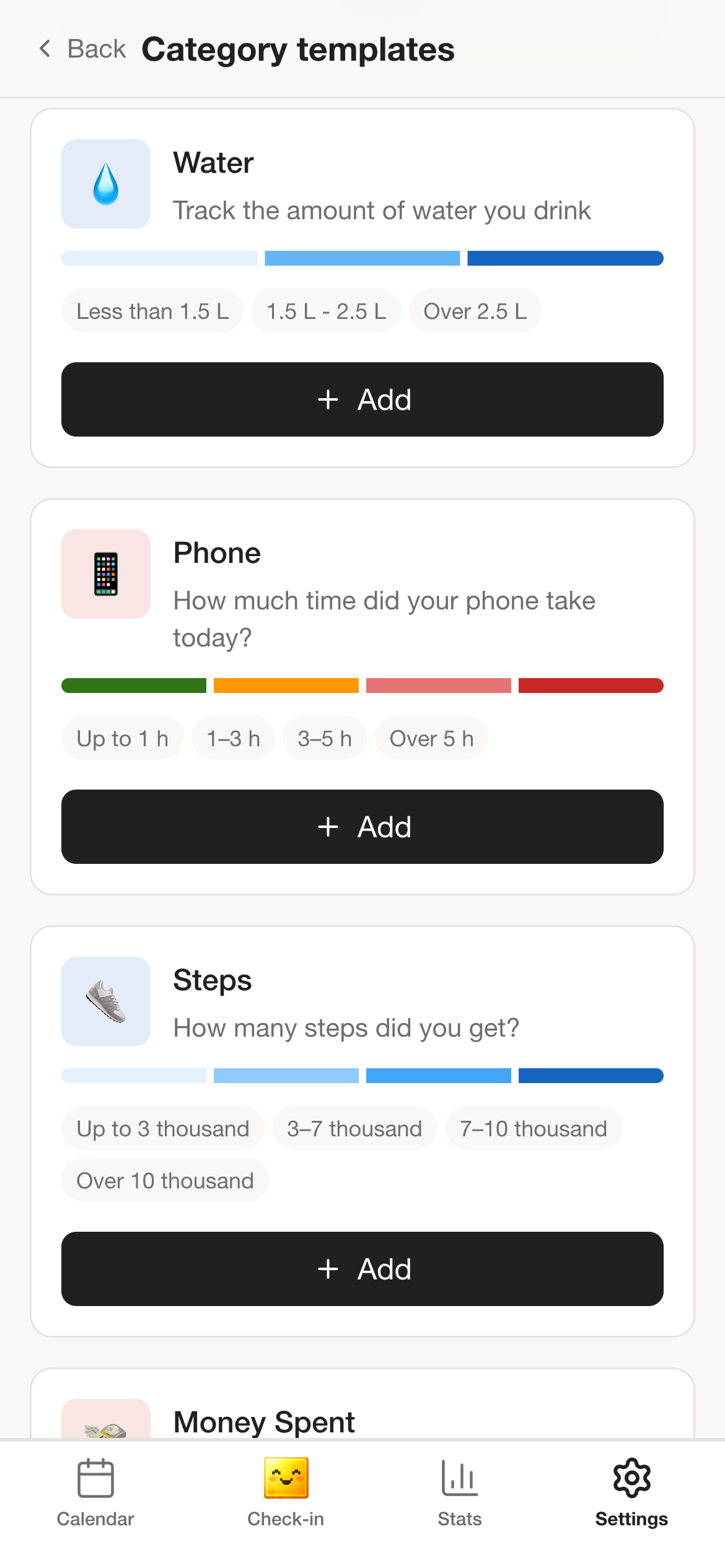
Habit tracking becomes easier to adopt when you can begin from a sensible template and then adjust the system to match the routine, whether it is hydration, study, bedtime, or something far less standard.
Fast setup matters, but staying flexible matters even more once the routine meets real life.
In the app
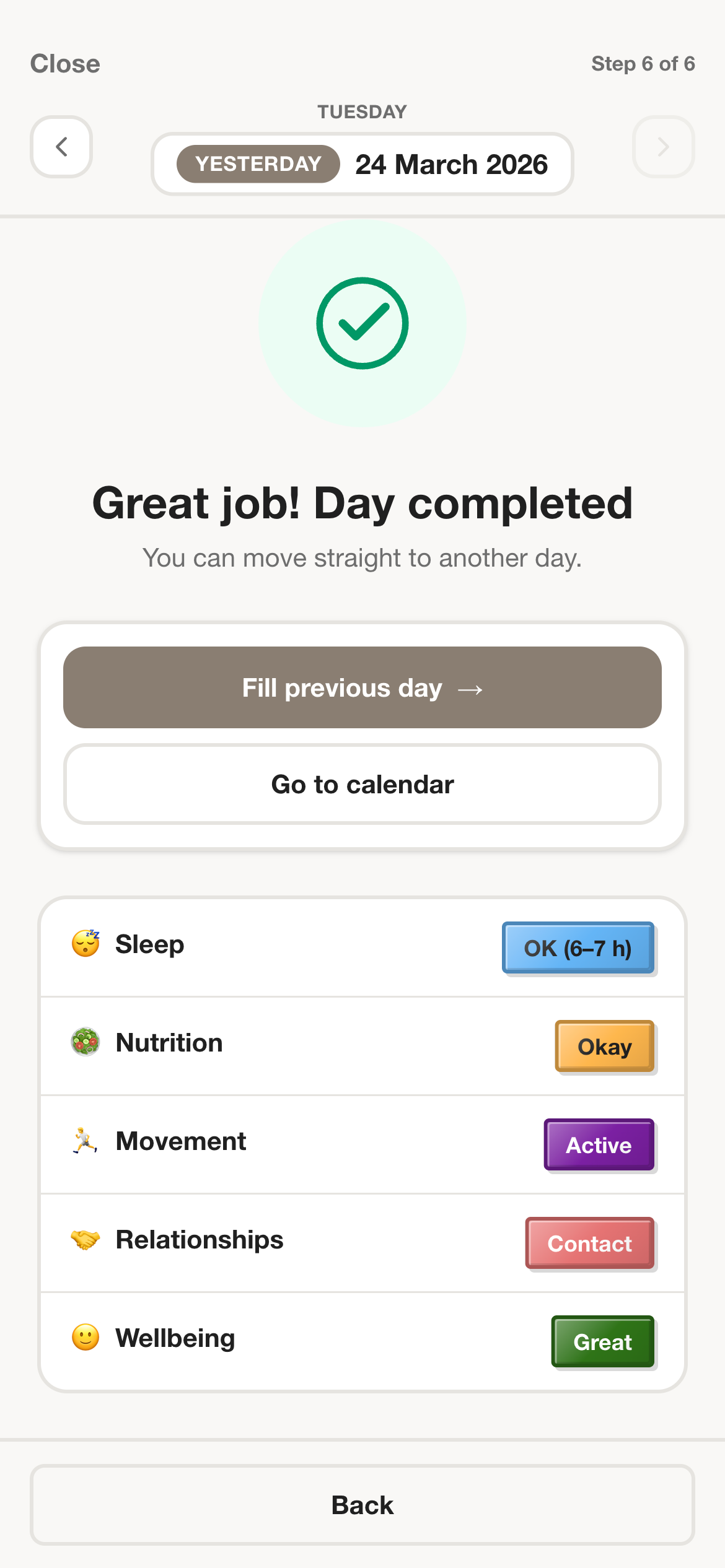
The app supports small daily actions and gentle reminders so habit tracking can survive ordinary life instead of being reserved for your most disciplined version of yourself.
Long-term habit review depends more on repeatability than on intensity of motivation.
In the app
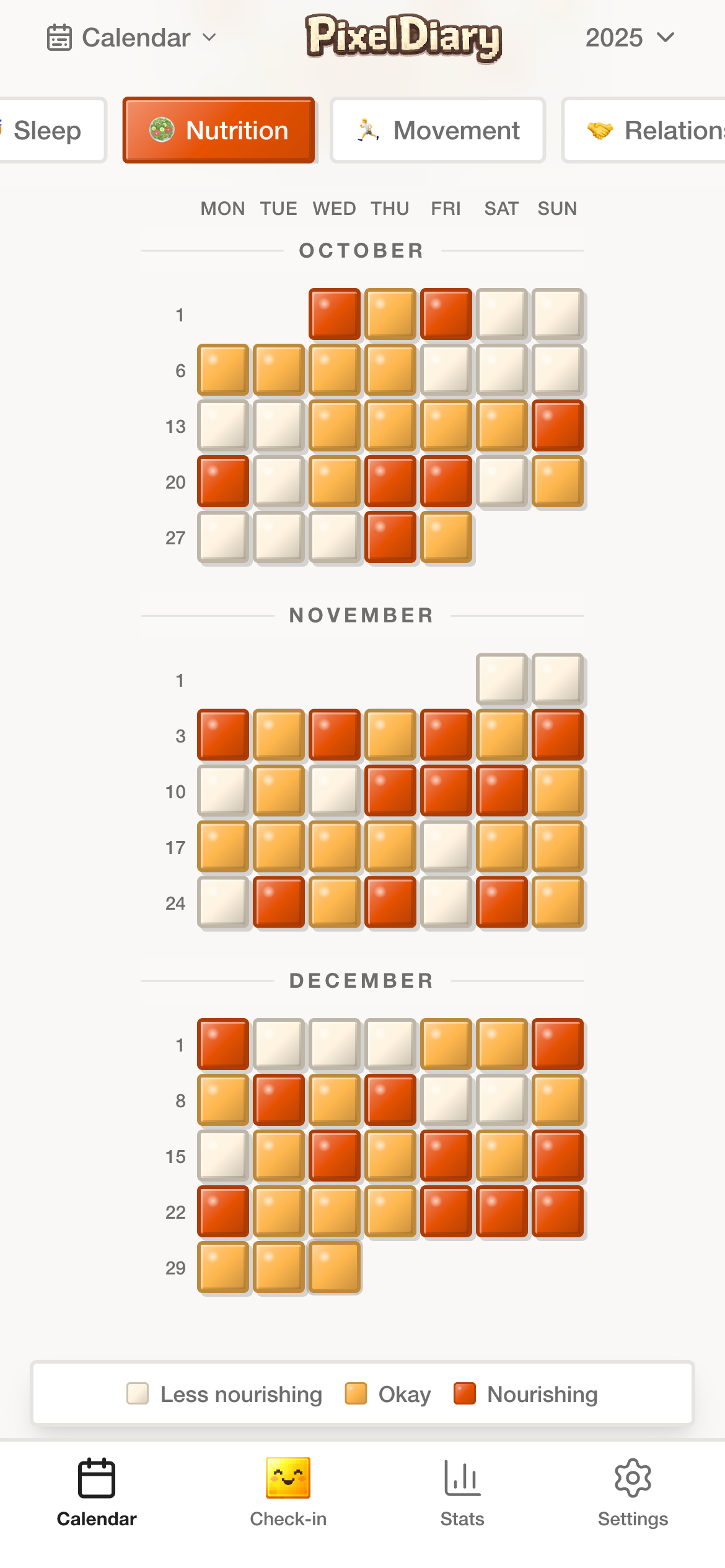
A routine is rarely a perfect line. PixelDiary makes it easier to notice weekends, breaks, relapses, return-to-form patterns, and the links between habits and other things you track.
That is the real advantage over streak-first tools: the history stays informative, and the app can help you read the pattern.
Why this instead of something else
Many habit tools do a great job if your main need is pressure and streak visibility. PixelDiary is the better fit when you want to keep the record honest, flexible, and reviewable.
Compared with
Where it falls short
Good at urgency and gamification, but often weaker at handling imperfect seasons, several routine types, or context around why the pattern changed.
Why PixelDiary fits
PixelDiary keeps the routine visible without making the whole product revolve around never missing a day.
Compared with
Where it falls short
Useful for today, but poor at showing the shape of a habit across months unless you build your own review system around it.
Why PixelDiary fits
PixelDiary treats the long-range record as the product, not as an afterthought.
Compared with
Where it falls short
Works for one narrow habit but starts to break down when you want reflection, multiple categories, or notes.
Why PixelDiary fits
PixelDiary is better when your routine tracking needs to stay simple while still supporting several personal systems.
Trust and product truth
Habit tracking is easiest to abandon when the app teaches you to hide from your own history after one bad week. PixelDiary tries to make the history useful even when it contains interruptions, travel, illness, rest, or changing priorities.
That is why the language on this page centers rhythm and review instead of perfect compliance. The product is meant to support believable routines, not loud ones.
No streak-first framing
The product story is about perspective over time, not punishing gaps or glorifying perfect runs.
Flexible category shapes
Binary habits, scaled routines, and note-heavy practices can live in the same product instead of being forced into one mold.
Gentle reminder support
Reminders are there to help the habit survive, not to turn the app into a loud productivity system.
Review built into the product
The same app that captures the routine also helps you see what happened across weeks and months.
Context and sources
These references are here to support the broader logic of tracking, reflection, and pattern review. They do not change the product claims above.
Last reviewed: 2026-03-29
APA summary
Useful background for why small repeated monitoring can improve behavior more than vague intention alone.
Read sourceSpringer review
Helpful context for habit pages because it links self-monitoring with more informed personal decisions.
Read sourceRelated pages
See why the format changes habit tracking from pressure to perspective.
Explore how symptoms, sleep, and recovery can live next to habit tracking.
See how PixelDiary works when daily writing matters alongside the routine itself.
FAQ
Yes. It works well for habits and routines, especially if you want a calmer visual record instead of a streak-driven experience.
Yes. You can create multiple categories and review them over the same year without splitting your routines across separate apps.
The app is not built around streak pressure. You can still see consistency, but the main value is the broader pattern over time.
Yes. Categories, values, colors, and modifiers can be adapted to the kind of routine you want to keep.
Hydration, movement, sleep routines, reading, study, and other recurring practices fit especially well because the app is designed around repeatable personal tracking.
PixelDiary helps you keep routines visible, adapt the setup to real life, and review the pattern without pretending consistency is always perfect.